
QuickBooks Online
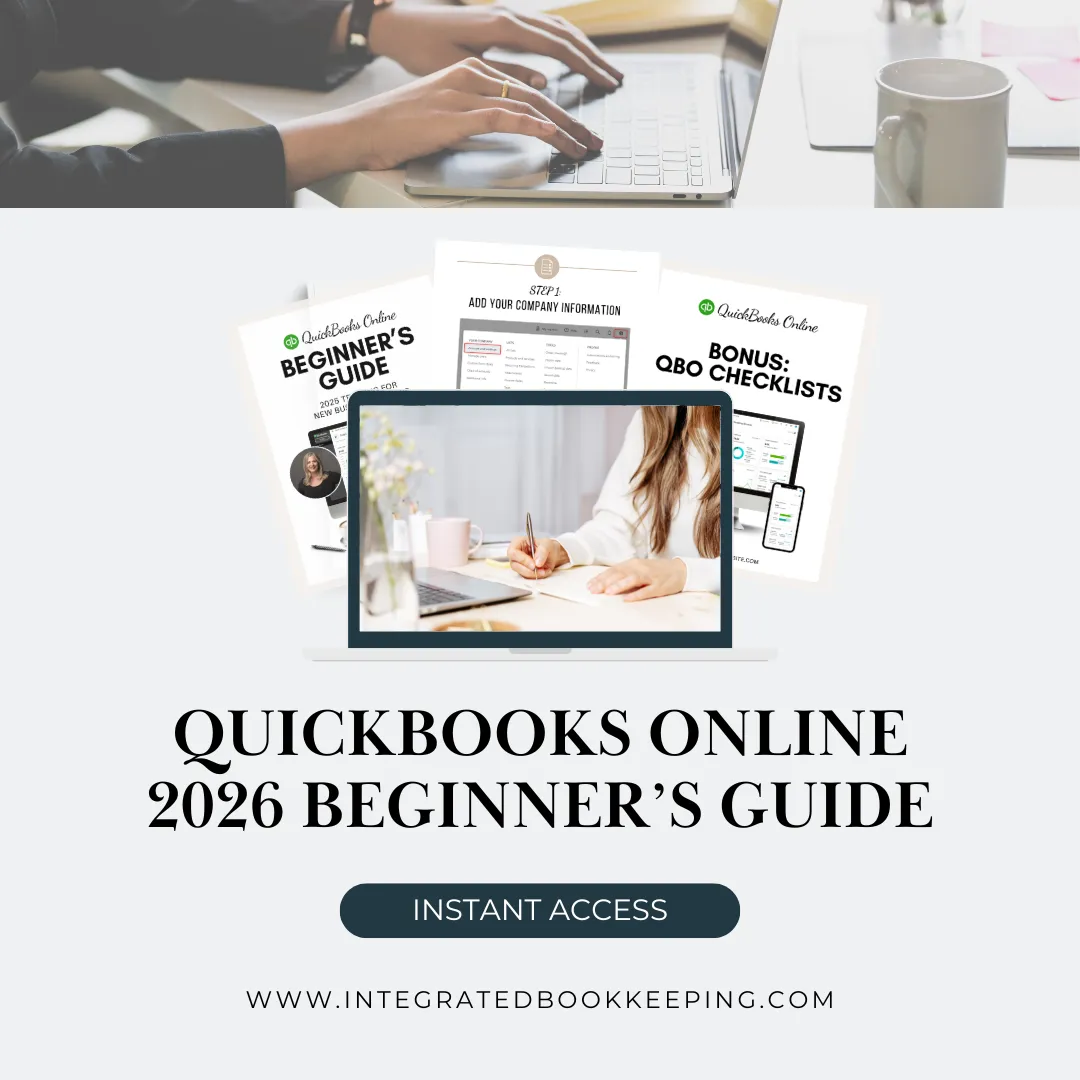
2026 Beginner’s Guide
For New Business Owners Who Want to Do It Right From Day One
Feel Confident Using QuickBooks Online
If you’re brand new to QuickBooks Online, the learning curve can feel overwhelming.
This comprehensive Beginner’s Guide walks you step-by-step through the 10 essential foundations every business owner needs to understand — from setup to reconciliation to reviewing reports.
No confusion.
No guessing.
No messy books later.
Inside the Guide:
How to properly add your company information
How to structure your Chart of Accounts correctly
How to set up Products & Services
How to connect bank feeds the right way
How to create invoices and record payments properly
How to enter and pay bills
How to categorize transactions
How to reconcile accounts correctly
How to review your Profit & Loss and Balance Sheet
Plus Bonus Resources:
• Bookkeeping Checklists
• Keyboard Shortcuts
• Industry-Specific Chart of Accounts Examples

QuickBooks will let you enter almost anything.
But that doesn’t mean it’s correct.
Small setup mistakes lead to:
• Inaccurate Profit & Loss reports
• Bank balances that don’t make sense
• Double-counted income
• Reconciliation issues
• Tax-time stress
• Expensive cleanup projects
This guide helps you avoid those problems before they start.

Hi, I’m Mary
Bookkeeping Expert | QuickBooks Certified
I created this guide to help new business owners feel confident using QuickBooks Online from the very beginning.
I work with clients every day who started with good intentions — but were never shown the proper foundation.
My goal is to help you get it right the first time.
This guide is perfect if:
• You just started using QuickBooks Online
• You’re setting up your company file yourself
• You want to understand what you’re actually looking at
• Your reports don’t quite make sense
• You want clarity before tax season
If that’s you, this guide will save you time, stress, and costly corrections later.
Get access to the QB Guide by clicking the button below:
You’ll also receive helpful QuickBooks tips and insights to keep your books clean and organized.